How to Update Your Profile
Your profile is how Metro BMNY stays in touch with you. If you move to a new building, change your phone number, or update any personal detail, please keep your profile current. This makes sure you get meeting reminders, payment notices, and emergency updates.
Why this matters
- We send event reminders to the phone number on your profile
- The office uses your building address for mailings and insurance records
- The board looks up member info for voting eligibility and benefits
Two minutes spent keeping your profile fresh saves everyone a lot of trouble later.
What you can change yourself
- Full name
- Phone number
- Building name and address
- Job title (Resident Manager, Superintendent, etc.)
- Mailing address (if different from your building)
Your email address is the only thing you cannot change on your own. See the note at the bottom.
Steps
- Log in at portal.metropolitanbmny.com. If you need help, see How to Log In.
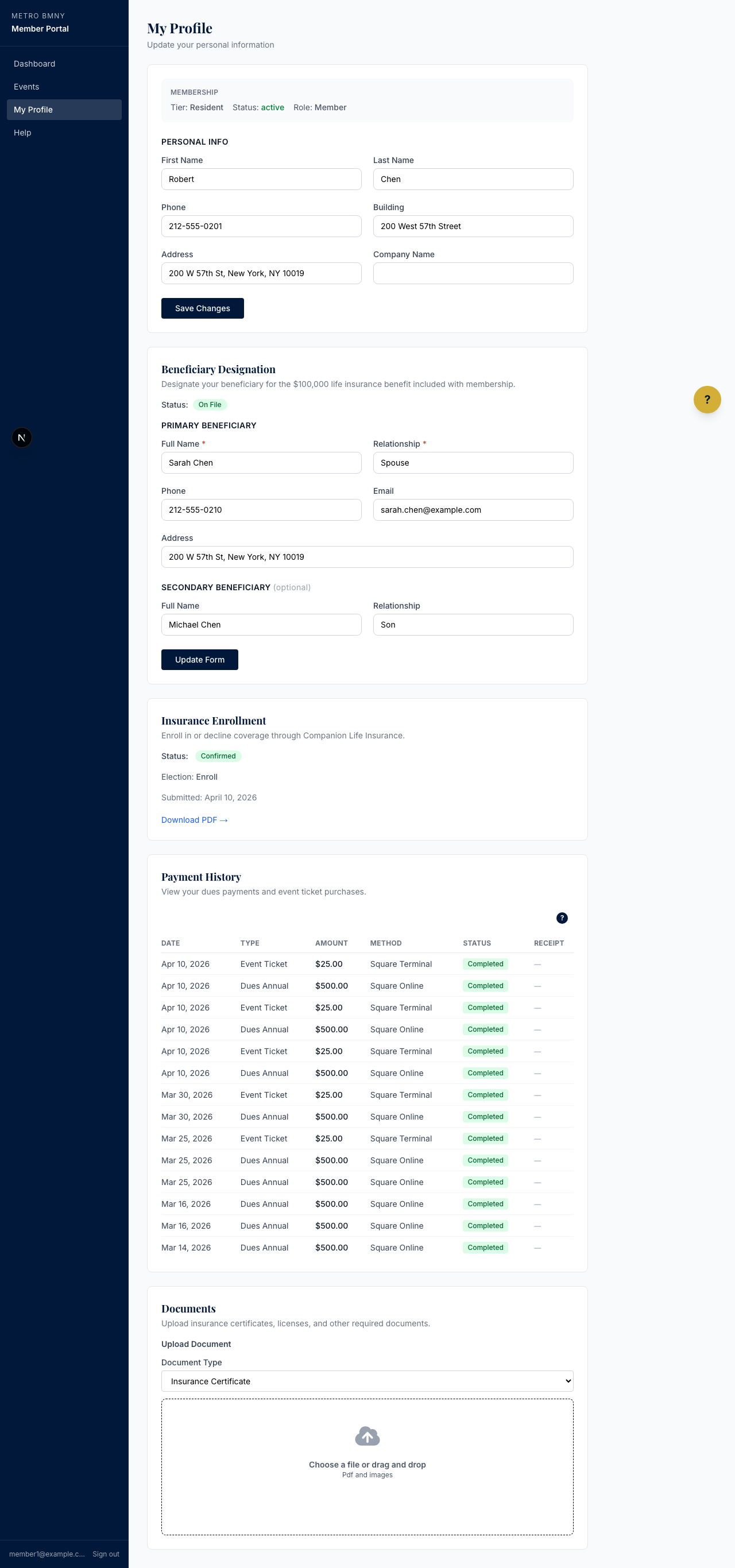
- On your dashboard, click your name in the top right corner.
- Click Edit Profile from the menu.
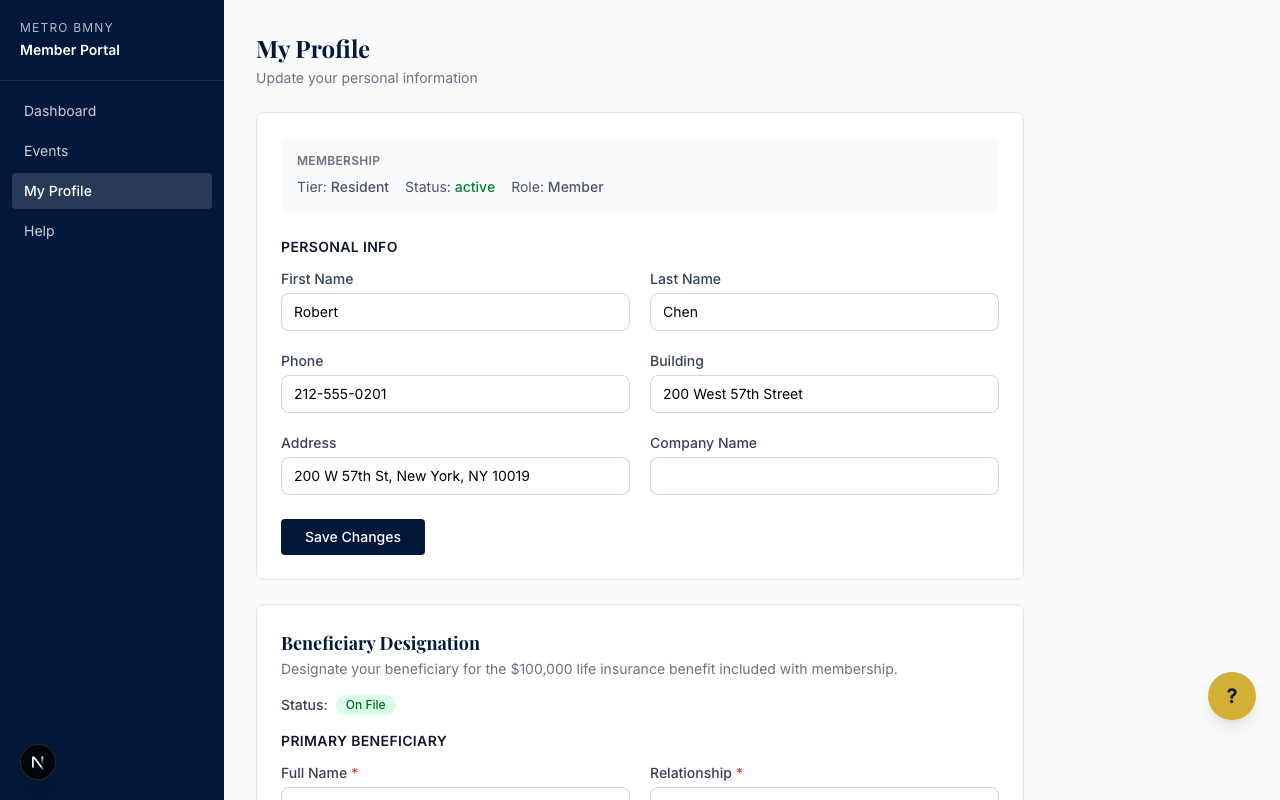
- Update the fields you want to change.
- Click the Save Changes button at the bottom of the page.
How you know it saved
After you click Save Changes, you will see a green confirmation message at the top of the page that says your profile was updated. If you see a red message instead, check that every required field has something in it, then try again.
If you need to change your email address
Your email address is also your login. For security reasons, only an administrator can change it for you. Send a message to the association office with your old email and your new one. We will update it for you, and you can keep using the website as normal.
If you need to upload a document like an insurance form or beneficiary paperwork, see How to Upload a Document.