How to Reset Your Password
Forgetting a password happens to everyone. If you cannot log in to the Metro BMNY member website, you can reset your password yourself in a few minutes. You do not need to call the office first.
What you need
- The email address you use for Metro BMNY
- Access to that email inbox on your phone or computer
- A web browser
Steps
- Go to portal.metropolitanbmny.com and click Log In.
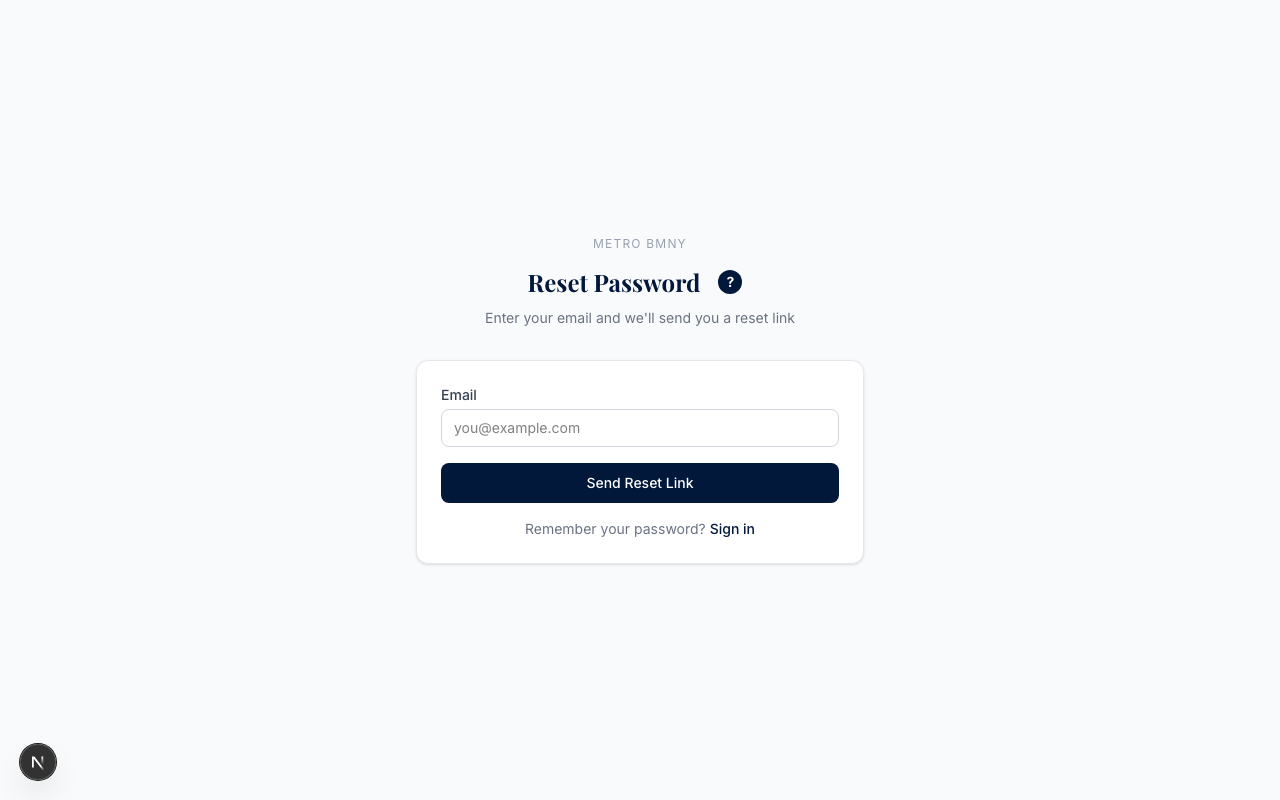
- On the login page, click Forgot Password underneath the password field.
- Type the email address Metro BMNY has on file for you.
- Click Send Reset Link. A confirmation message will appear on the screen.
- Open your email. Look for a message from Metro BMNY with the subject line about resetting your password. Click the link inside.
- The link opens a page where you can pick a new password. Type it twice, then click Reset Password.
Once the new password is saved, you will be sent back to the login page. Sign in with your email address and the new password.
Picking a new password
Your new password must be at least 8 characters long. Beyond that, there are no fancy rules — no required symbols, no required capital letters. Pick something you will remember but that a stranger could not guess.
A good trick: pick three short words you will remember, like your street, your first dog's name, and a number. Something like elm-rusty-88 works fine and is easy to type on a phone.
If the email does not arrive
The reset email is usually instant, but sometimes it takes a minute or two. If you do not see it:
- Check your spam or junk folder. Email from the portal sometimes lands there the first time.
- Wait five minutes, then try again. Click Forgot Password a second time and re-enter your email.
- Make sure you used the right email. Metro BMNY can only send the reset link to the address on your member record. If you think the email on file is outdated, contact the office and ask us to update it.
- Still nothing? Email admin@metropolitanbmny.com and we will sort it out.
Going back to the login page
When your new password is saved, head to How to Log In if you need a refresher on signing in.
Metro BMNY has been serving NYC building managers since 1944. If you get stuck anywhere in this process, the office is here to help.