How to RSVP for an Event
Metro BMNY holds monthly meetings, the annual golf outing, the Three Hands Grand Ball, and the holiday party every year. Signing up online lets the board plan seating, food, and guest lists. It only takes a minute.
What you need
- Your login for the member website
- A credit or debit card if the event has a fee
- The date you plan to attend
Find the event
- Log in at portal.metropolitanbmny.com.
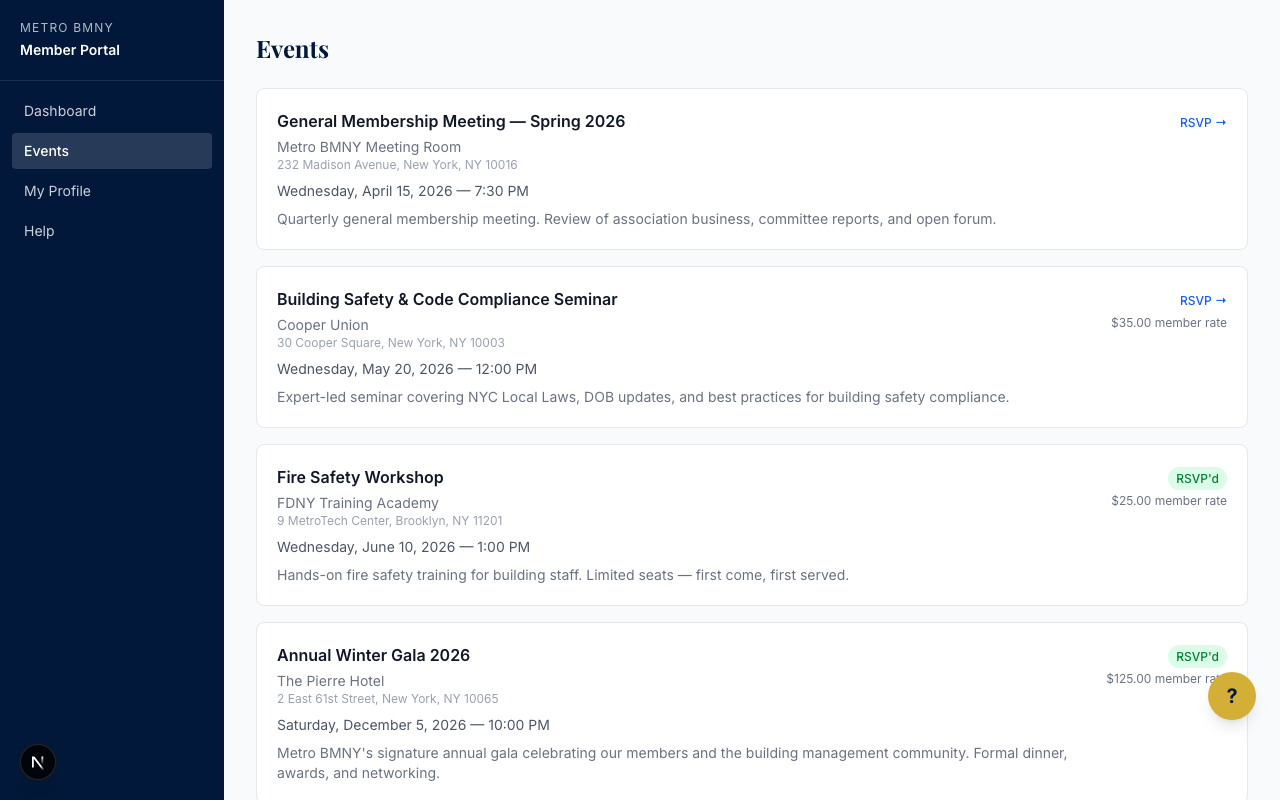
- On your dashboard, look for the Upcoming Events section, or click Events in the main menu.
- Click the name of the event you want to attend.
See the details before you commit
Every event page shows you the date, the start time, the address, and the cost. Read this first. Monthly meetings are held at Playwright Irish Pub, and bigger events are at different venues around the city.
RSVP steps
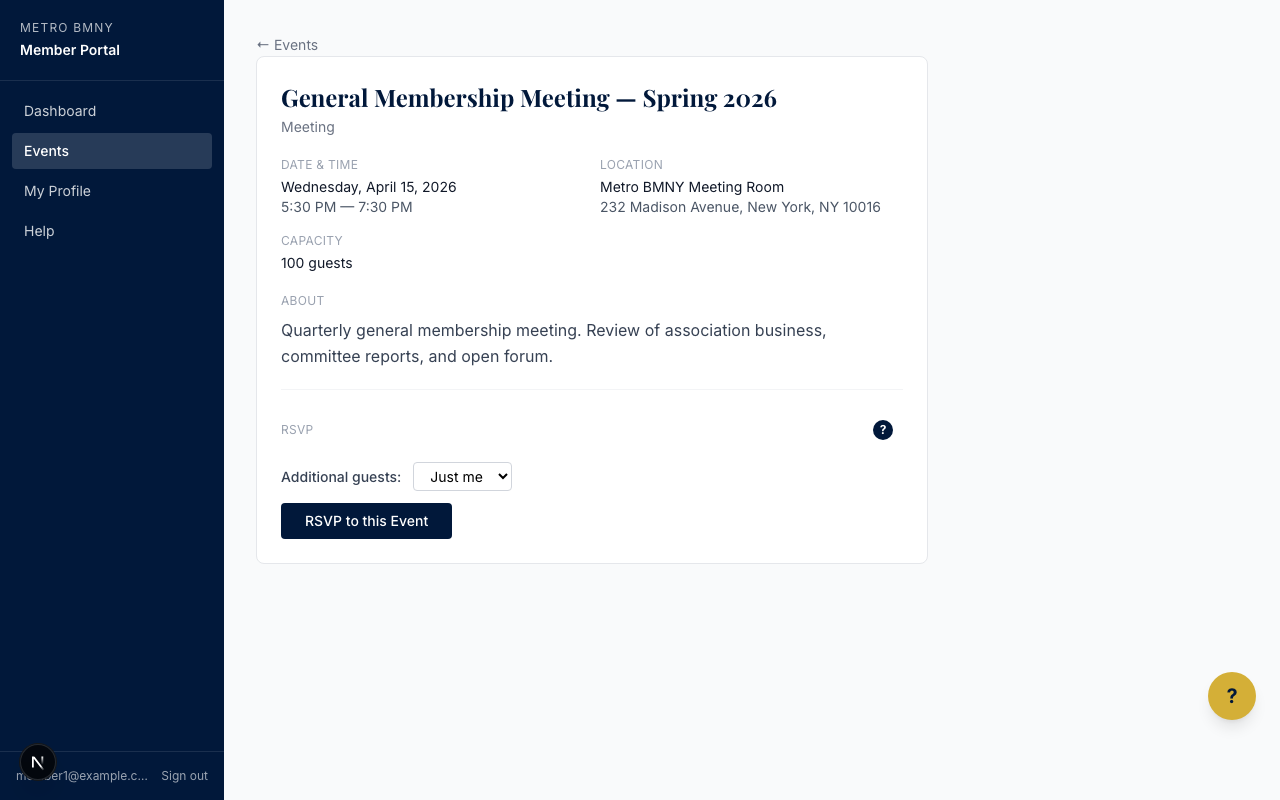
- On the event page, click the RSVP button.
- If the event is free, you will see a confirmation right away. You are done.
- If the event has a fee, you will be sent to a secure checkout page.
- Enter your card details and click Pay Now.
- You will get an email receipt for your records.
If you need to cancel
Plans change — we get it. Go back to the event page and click Cancel RSVP. If you already paid, the office will review the refund based on how close we are to the event. Cancelling at least 48 hours ahead helps everyone.
Bringing a guest
Some events welcome guests. If the event page shows a Bring a Guest option, click it and fill in your guest's name. Guests pay the non-member price. You can either cover it yourself at checkout or send your guest a payment link so they can pay their own way.
The holiday party and the Three Hands Grand Ball are the most popular guest events of the year. Sign up early — seats fill up.
If you have trouble paying, see How to Pay Annual Dues for how the payment system works.