How to Log In
The Metro BMNY member website is where you pay your dues, sign up for meetings, and keep your contact information up to date. This page walks you through signing in for the first time and every time after.
What you need
- Your email address (the one Metro BMNY has on file)
- Your password
- A web browser on your phone, tablet, or computer
If this is your first time
When your account is set up, you will get a welcome email from Metro BMNY. That email contains a temporary password. Use it the first time you log in, then change it to something you will remember.
If you never got a welcome email, check your spam folder first. Still nothing? Email the office and we will resend it.
Steps
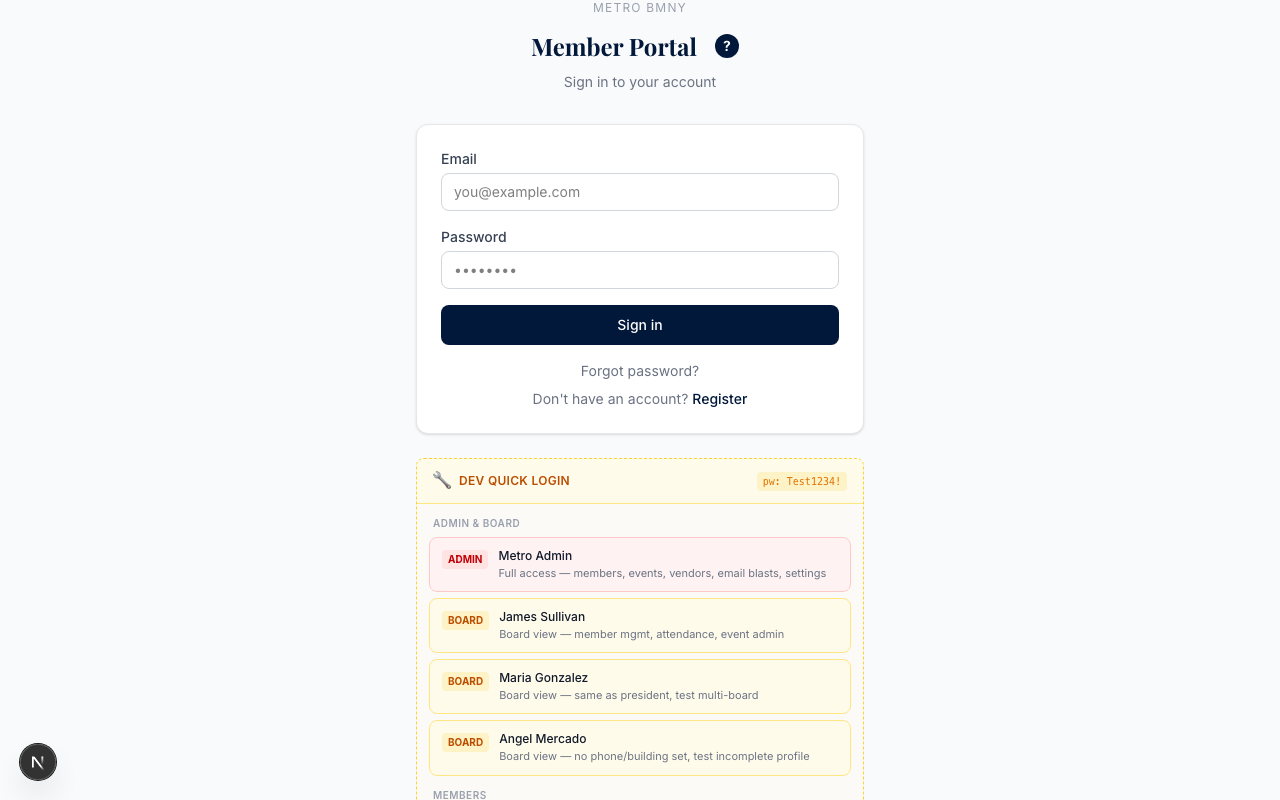
- Open your web browser and go to portal.metropolitanbmny.com.
- Click the Log In button at the top of the page.
- Type your email address.
- Type your password.
- Click Log In again.
What you see after logging in
Once you are signed in, you will land on your dashboard. From there you can:
- See if your dues are paid up
- View upcoming meetings and events
- Check your payment history
- Update your phone number or building address
If it does not work
If the website says your email is not recognized, it may not be the one we have on file. Contact the association office and ask us to check. Do not create a second account — one member, one login.
If you forgot your password, no problem. Read How to Reset Your Password for the three simple steps.
Metro BMNY has been serving NYC building managers since 1944. If you get stuck, we are here to help.